How to Check a GEDCOM File for Errors Before You Share or Print Your Tree
Almost every family tree file that reaches my studio has something wrong with it that its owner has never seen: a grandmother who died before her daughter was born, a dozen people floating with no family, two copies of the same great-uncle. None of it shows in the tree view. This is how those errors get in, how to find them in a few seconds with the free GEDCOM Checker without uploading anything, and how to fix the common ones.
Why the tree view hides errors
A family tree program shows you one family at a time. That is the right way to enter data and the wrong way to audit it. A birth year typed as 1845 instead of 1854 looks perfectly reasonable on its owner's page; it only becomes impossible when you notice that her mother died in 1850, and her mother is three clicks away. Nobody makes those clicks for two thousand people.
Errors arrive by several routes, and most of them are not typing slips. Accepting a hint attaches a record to the wrong person of the same name. Merging two trees produces duplicate people and duplicate facts. Importing a cousin's GEDCOM brings their errors in with their research. A DNA match added as a floating person to test a theory is forgotten. Each of these is invisible from the tree view, and they accumulate for years.
The file behind the tree, the GEDCOM, is where all of it becomes visible. GEDCOM is the plain-text format every genealogy program and website uses to exchange trees: one record per person, one per family, with the dates, places, sources and links between them. Read the whole file at once and the contradictions stand out immediately. That is what a checker does.
Who already has a checker, and who does not
If you use a desktop program, you probably have one already. RootsMagic, Family Tree Maker, Legacy and Gramps all have a problem report of some kind, and Family Historian's query system is excellent at this. MyHeritage runs a consistency checker on trees held on its site. If any of those is yours, use it.
The gap is everyone else. A large share of researchers keep their tree only on Ancestry, which has no error report and, more surprisingly, no way to list the people who are not connected to anyone. The usual advice is to export to a desktop program and run its report, which means buying and learning a program for one job. Several free web-based validators exist, but most check the file's syntax rather than its genealogy: they will tell you a line is malformed and not that a child was born after her mother died.
The GEDCOM Checker on this site fills that gap. It is free, it runs inside your browser, it accepts the export from any program or website, and it runs the genealogical checks rather than the syntactic ones.
What it checks
There are 31 checks in four groups, each with an ID so that a result can be looked up in the guide beneath the tool. Each has a level. An error cannot be right as recorded. A warning is unlikely and worth a look. A notice is a tidiness or completeness point. The DNA group is marked found, because those are lists rather than faults.
| Group | What is checked | Level |
|---|---|---|
| Dates and ages | Birth after death; child born before a parent or when the parent was under 13; child born after a parent's death | Error |
| Parent too young or too old; lifespan over 110; no death recorded but born over 100 years ago; events before birth or after death; marriage under 14 or spouses 35 years apart; siblings under nine months apart; duplicate facts; duplicate or overlapping marriages | Warning | |
| Deceased with no date; baptism more than five years after birth | Notice | |
| Structure | Someone who is their own ancestor; links to records that do not exist | Error |
| People in no family at all; branches not joined to the main tree, grouped by size | Warning | |
| Empty families; a woman linked as husband or a man as wife; a child's surname differing from the father's | Notice | |
| Data quality | Dates that cannot be read; probable duplicate people, scored | Warning |
| Place-name variants; names in capitals or with placeholders; name-only profiles; facts without a source by type; UK and Irish census gaps 1841 to 1939 | Notice | |
| DNA and hypotheses | People marked with *, ~, #, _ or "DNA:" prefixes or MHDNA/FTDNA suffixes; people tagged DNA; living people in loose branches; hypothesis people now joined to the main tree | Found |
Alongside the checks come the statistics: record counts, sex and living status, earliest and latest births, the longest ancestral line, the twenty commonest surnames and birth places, average lifespan by century of birth, the three commonest first names in each decade, and how much of the file has a source behind it. A health score rolls the errors, warnings and notices into one number per thousand people, so you can see whether a tidy-up has worked.
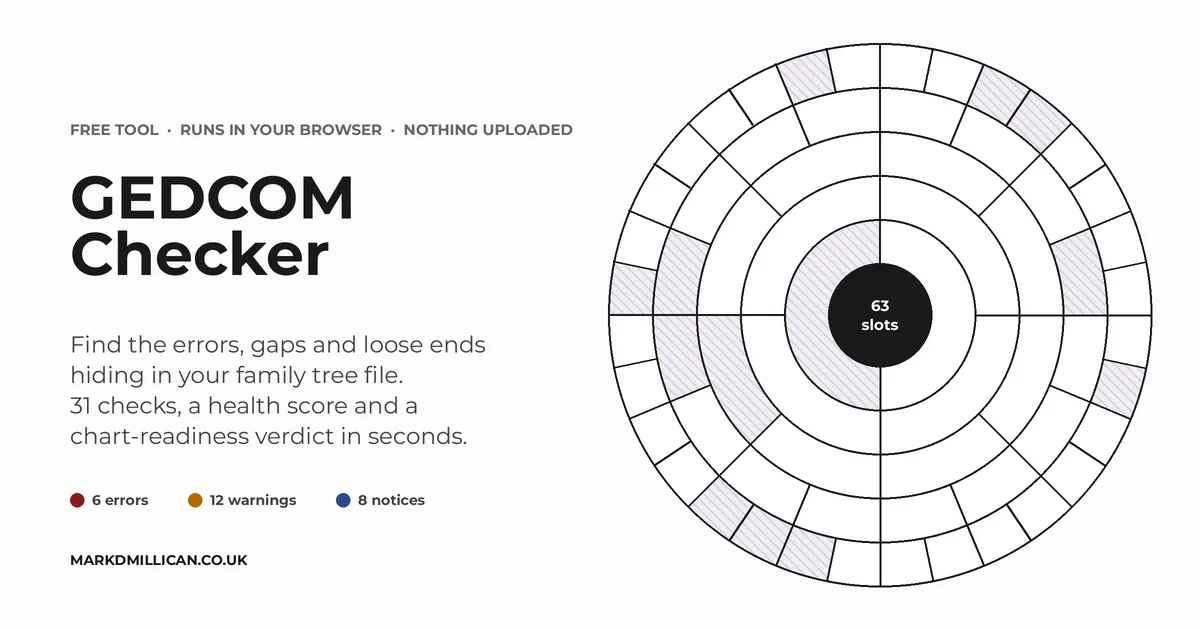
The last result is the one my customers care about most. Choose any person in the file and the checker walks the 63 slots of a six-generation circular chart, counts how many are filled, how many lack a birth year or place, and whether anyone on that line carries an error. The verdict is ready, ready with gaps, or needs work.
Nothing is uploaded
A tree is full of living relatives, so the checker was built on one rule: the file never leaves your device. When you drop a GEDCOM onto the page, a script that is part of the page reads it inside your browser, in a background thread so the page stays responsive. The checks run there too. Nothing is sent to the server, not the file, not the names, not even an anonymous count of what was found. A 50,000-person file is checked in a few seconds on an ordinary laptop. Close the page and nothing remains.
Because of that rule, the free results show counts for every check with one or two examples given as initial and surname only. You learn that there are fourteen people born after a parent died and roughly where to look; you make the fixes in your own program, where the sources are. A full named report, listing every flagged person with their record ID and dates and the complete tables as spreadsheets, is planned as a low-cost paid option, with the file uploaded only for that purpose and deleted as soon as the report is built. Until then the studio's GEDCOM auditing service does the named lists by hand.
Fixing the common ones
In the files I see, the same half-dozen problems account for most of the red and amber. In rough order of how often they turn up:
- Facts without a source. Not an error, and not counted in the score, but usually the largest number on the page. Treat it as a map of where the research is thin rather than a to-do list, and cite the vital facts on your direct line first.
- Unattached people and floating branches. On Ancestry these are invisible. The checker counts them and sizes the branches. Most are DNA matches or accepted hints that were never connected. Decide for each one: join it, mark it as a hypothesis with a
*orDNA:prefix so it can never be mistaken for proven, or delete it. - Probable duplicates. Same surname, similar first name, born within two years, same or no birth place. Open the pair side by side before merging, because cousins named after the same grandparent are common and a wrong merge is worse than a duplicate.
- Impossible dates. A birth after a death, a child before a parent, a census after a death. Nearly always one wrong digit, or a fact that belongs to another person of the same name. Compare the two dates with the source and correct the odd one.
- Place-name variants. "Leeds, Yorks, England" and "Leeds, Yorkshire, England" are one place to you and two to every program. Most programs have a place list where variants can be merged in one step.
- Deceased with no death date, and the living who should not be. Someone born in 1870 with no death fact is treated as living by most programs, which then hide them from public trees and exports. Record the death, or at least mark them deceased; a death index will usually give the year.
Then export again, drop the new file in, and watch the score. The first pass on a long-neglected tree typically takes an evening and removes most of the errors; the notices are the work of months, and nobody finishes them.
Before you print
A chart or a printed report is the moment errors become permanent. When a file arrives for a circular chart, the 63 people on the charted line are checked by hand before anything is set, and I query anything odd with the customer. That still works best when the customer has already seen the problems, which is why the chart-readiness verdict is part of the checker. Run it on the person who will be at the centre of the chart, settle any errors on that line, and you will know exactly which segments will be blank and why, before you order.
Blank segments are not a failure, by the way. Most of the charts I make have some, and many customers prefer them: they show where the research goes next.
Frequently asked questions
What is a GEDCOM file?
GEDCOM is the plain-text format every genealogy program and website uses to exchange family trees. A .ged file holds one record per person and per family, with names, dates, places, sources and the links between them. Ancestry, MyHeritage, FamilySearch, Findmypast and all the desktop programs can export one; our export guide shows how.
Why does my family tree have errors I cannot see?
The tree view shows one family at a time, so a date that contradicts a date three screens away is invisible. Errors arrive through accepted hints, merges, imports from other trees and typing slips, and they accumulate silently. A checker that reads the whole file at once finds what the tree view hides.
Is the GEDCOM Checker really free, and is my file uploaded?
The checker is free and the file is never uploaded. The checks run inside your browser and nothing about the file is sent anywhere, not even anonymous statistics. The free results show counts with masked examples; a full named report is planned as a paid option.
What should I fix first?
Errors first: births after deaths, children born before parents, loops in the parent links and broken record links. These are impossible as recorded and usually come from a wrong year or a wrong link after a merge. Then the warnings on your direct line, because those are the people a chart or a report will print.
Read next